
Plan your money around payday.
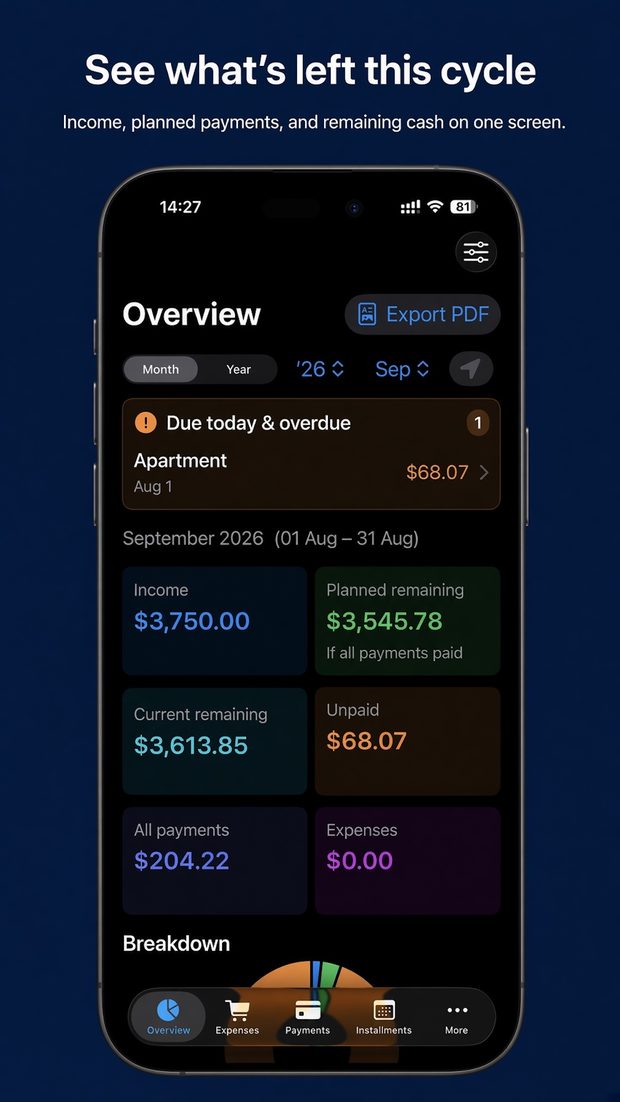
See what's left this pay cycle after bills, installments, card spending and everyday expenses — not just this calendar month.
Everything for the month — the way salary works.
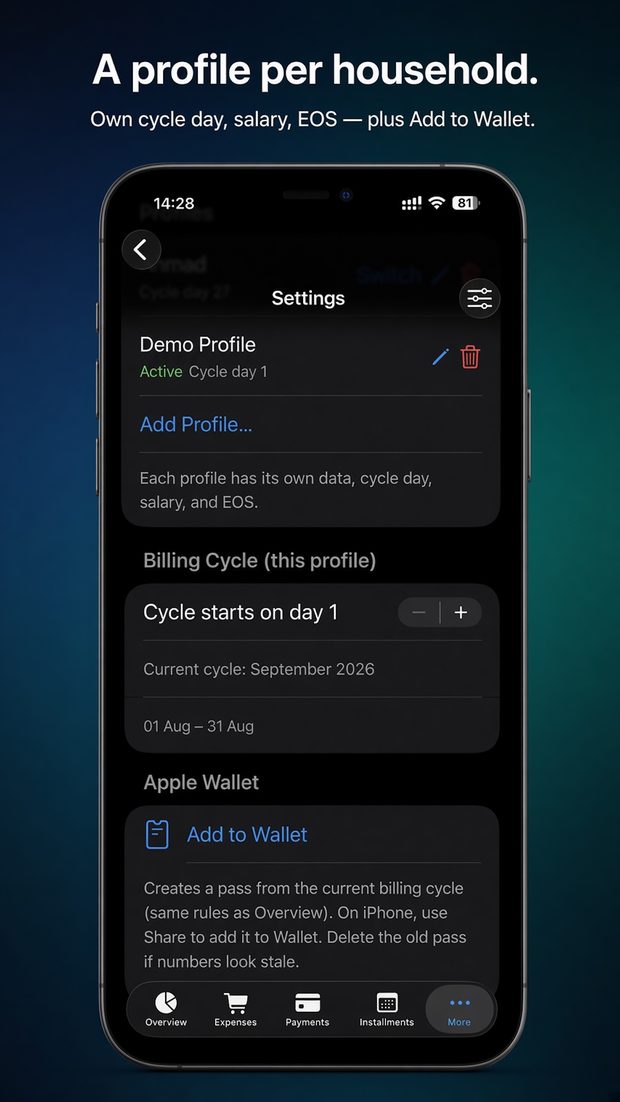
Paid on the 27th? Your month runs 27th to 26th. Every screen and widget follows your cycle.
What's left, at a glance
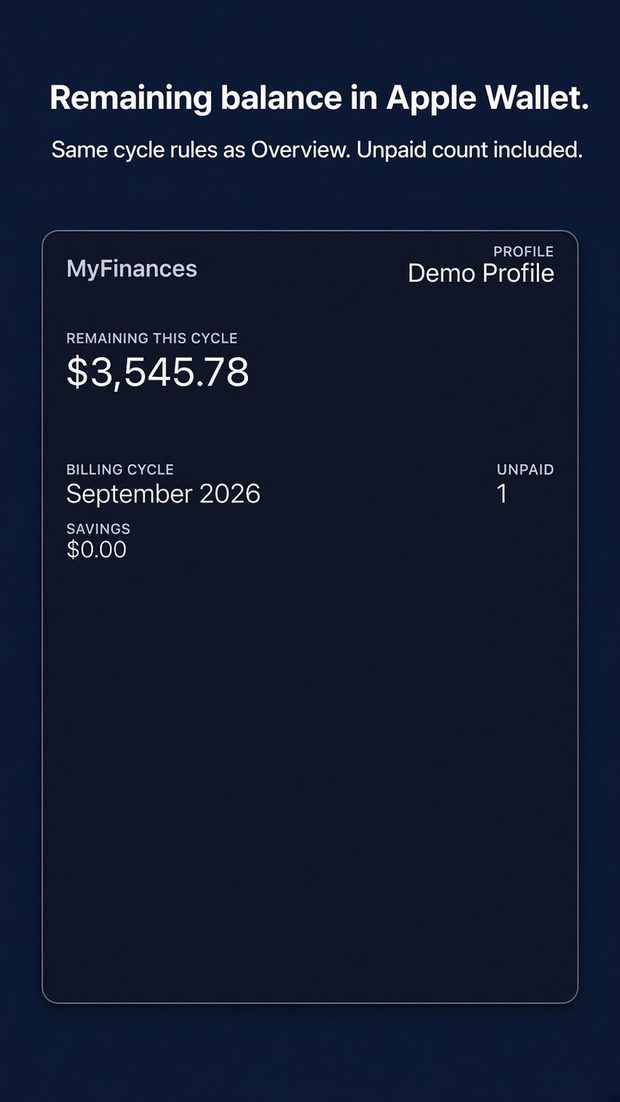
Income, planned and current remaining, unpaid bills and expenses for the cycle — plus a 12-cycle history.
Bills you can tick off
Due days, categories, every month or selected months. Reminders and calendar export so nothing slips.
Credit cards, without the numbers
Track what's owed and what's left of each limit. Card bills are created for you. No card numbers stored.
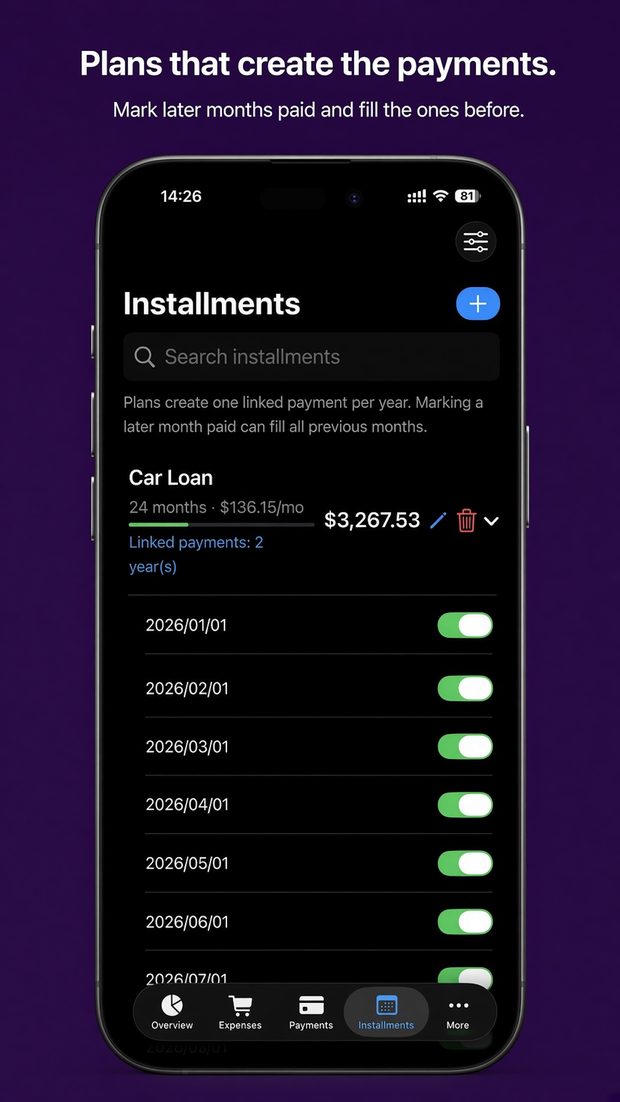
Installments made easy
Tamara, Tabby, bank or car loans — plans create the payments and catch up in one tap.
Savings & goals
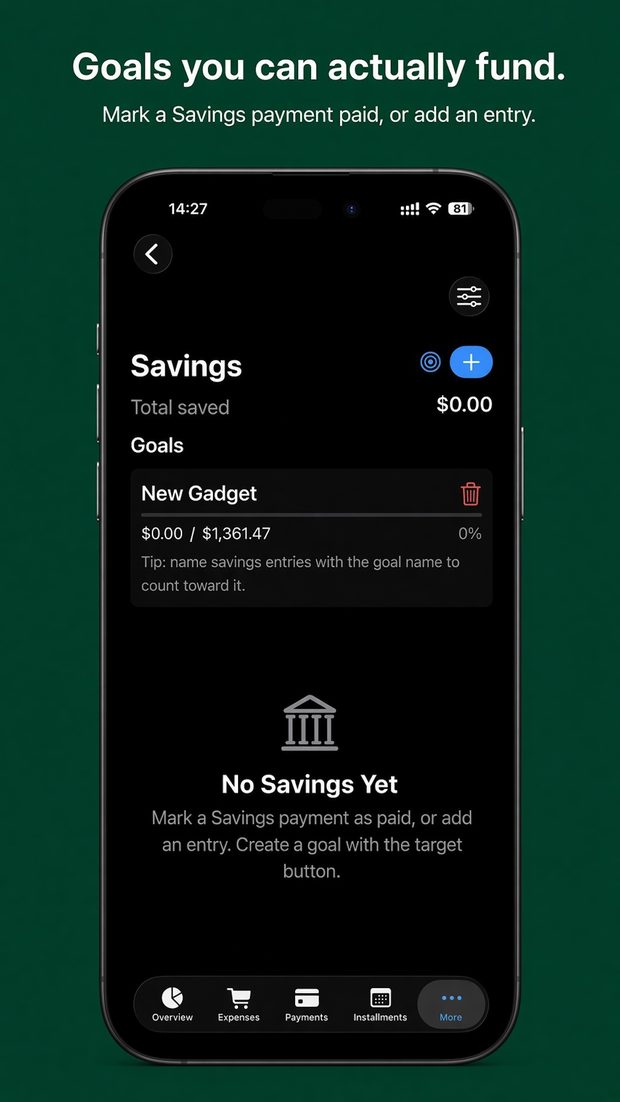
Set a target, watch progress, and choose which goal pays when you spend from savings.
End-of-service estimates
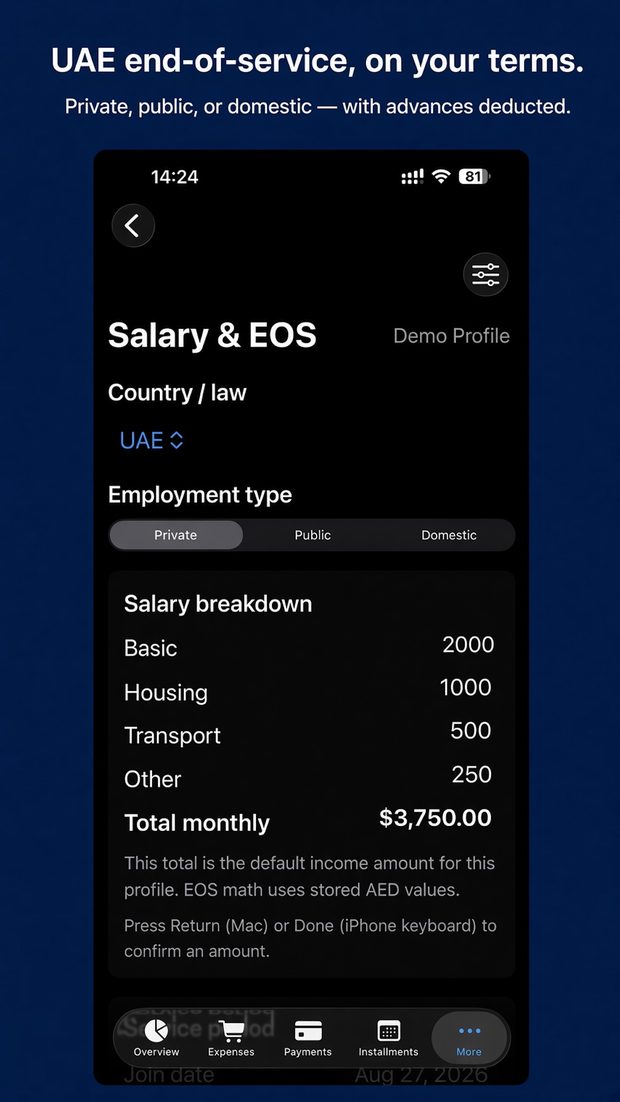
UAE and GCC rules or your own formula, with advances deducted — built for life in the Gulf.
Take a look.
Swipe through the app.
On the devices you use.
Your numbers follow you privately — through your own iCloud on Apple devices, or your own Google Drive on Android. Move between the two with a backup file.
Follow along.
Tips, updates and new features — @myfinplanapp everywhere.


Help & support.
We're happy to help.
iPhone, iPad, Mac & Watch guide
Billing cycles to backups, Wallet pass and iCloud sync, with screenshots.
Open the guide → · QuestionsAndroid guide
Everything on Android, plus widgets, Google Drive sync and moving from iPhone.
Open the guide → · QuestionsContact us
Email us and include your device (for example iPhone, Mac or Android phone) and app version.
support@myfinplan.appYour data stays yours.
Your finances are stored on your devices and, if you turn on sync, in your own iCloud account (Apple) or your own Google Drive, encrypted with your passphrase (Android). No ads, and we never sell your data.